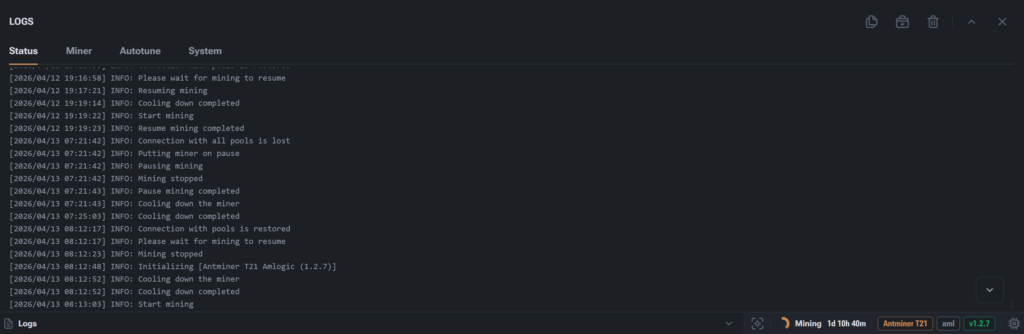
The following tabs are interesting in the logs section:
Status: Displays the general state of the miner and key events such as board initialization, chain break error (board error), miner overheating, mining stoppage and reboot, loss of connection with pools
Miner: Contains logs of mining startup, process stops, errors, and messages from the miner
Autotune: Shows the process of automatic frequency and voltage adjustment
System: Shows system events, reboots, initialization of services and hardware components
There are two ways to download the report:
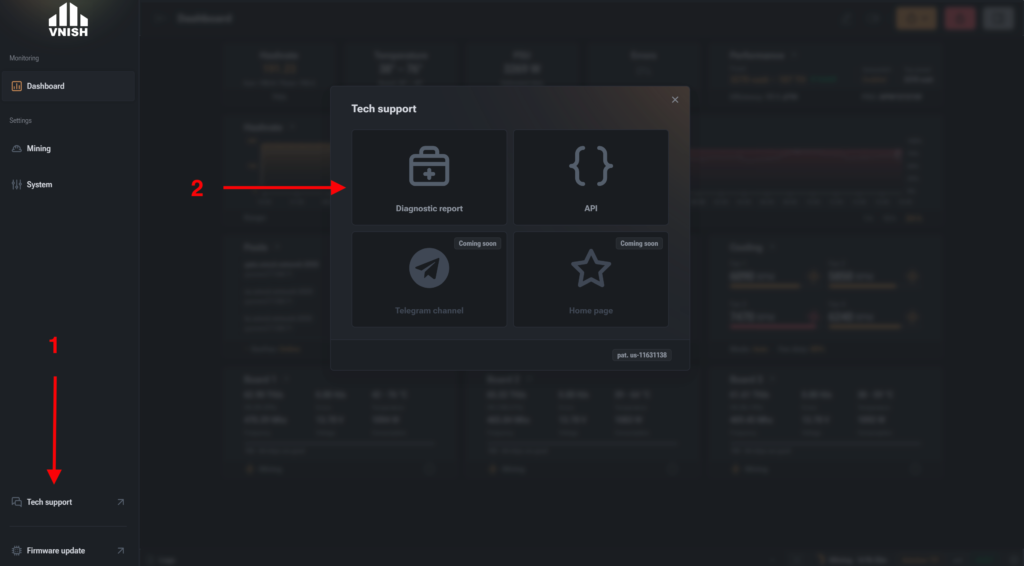
Open the miner in the address bar, then go to Technical Support -> Diagnostic Report
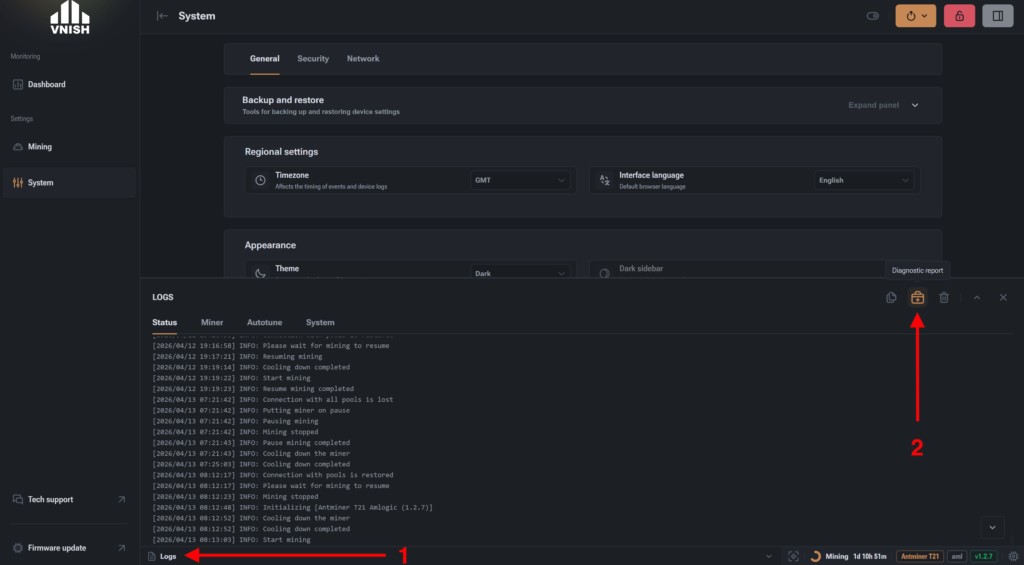
Or by open the logs section and clicking on the diagnostic report icon
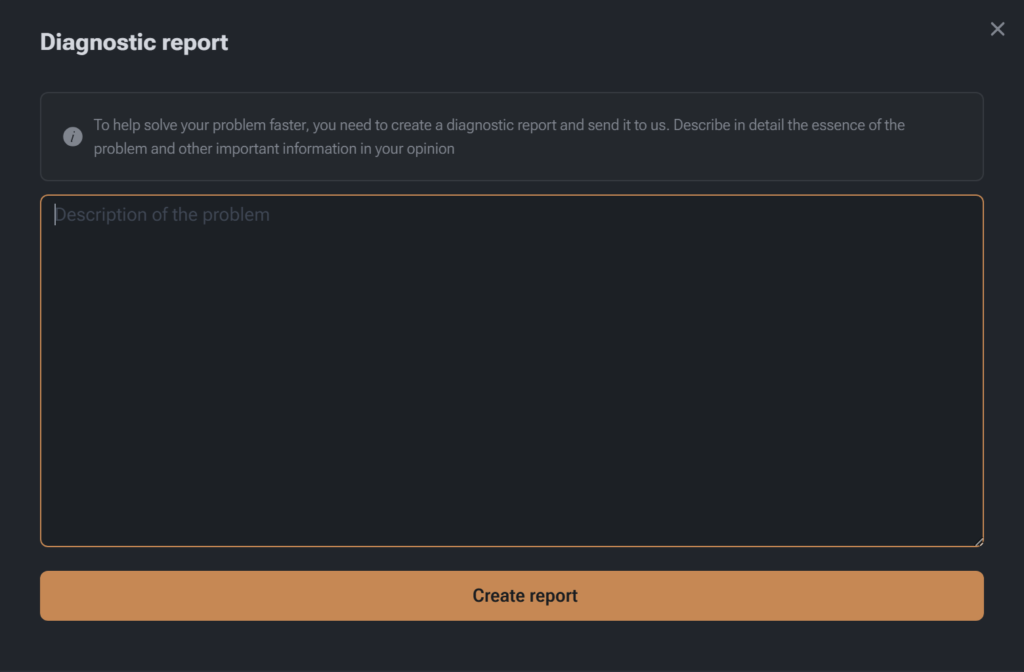
In the appeared field, briefly describe the problem and click to create a report. The saved file must sent to technical support for diagnostics.