If you do not know your control board model or type, you need to download:
HashcoreToolkit + firmware set (Windows)
(includes firmware for all models); the toolkit will automatically select the correct firmware during installation.
- HashcoreToolkit (Win/Mac/Android/Linux)
Download the firmware file for your specific miner model and control board type. - Run Hashcore
- Carefully read the instruction.
- When running the Toolkit program for the first time, you need to specify the network range where the miners are located in order to start interacting with them.
- Click the + New group button
- In the window that opens, on the Ranges tab, specify: group name, group description, and network range, e.g. 192.168.1.1 – 192.168.1.255

- Next, open the miner group that we created:
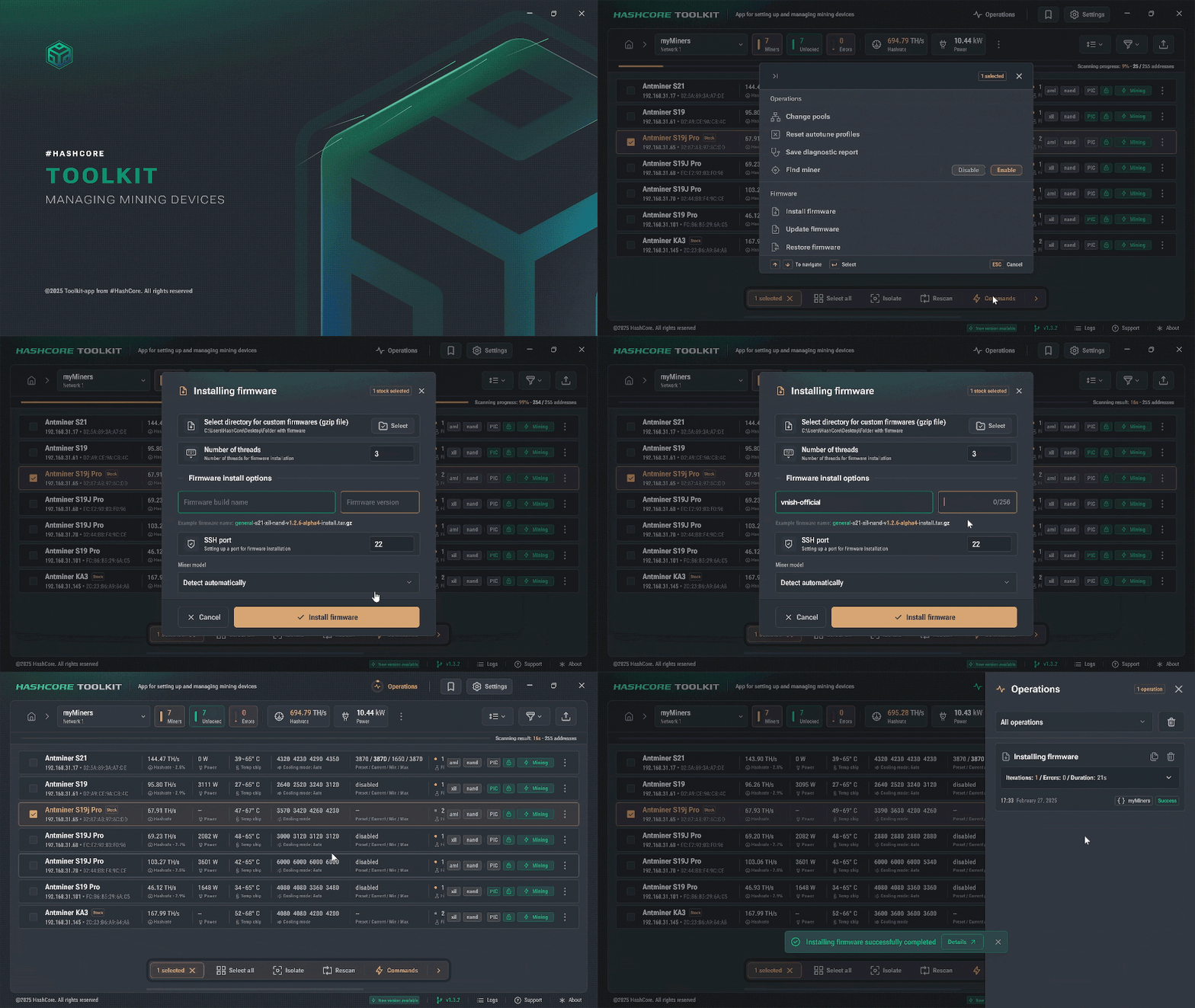
- Select the miners on which you want to install the Vnish firmware and click the «Commands» button
- In the menu that appears, select Install firmware
- In the installation parameters menu, specify:
- Path to the firmware files (By default, the
firmware files are located in the “firmware” folder inside the toolkit), files will not be visible when selecting the folder, this is normal - Firmware name: vnish-official
- Firmware version: 1.3.5 or newer
- Path to the firmware files (By default, the
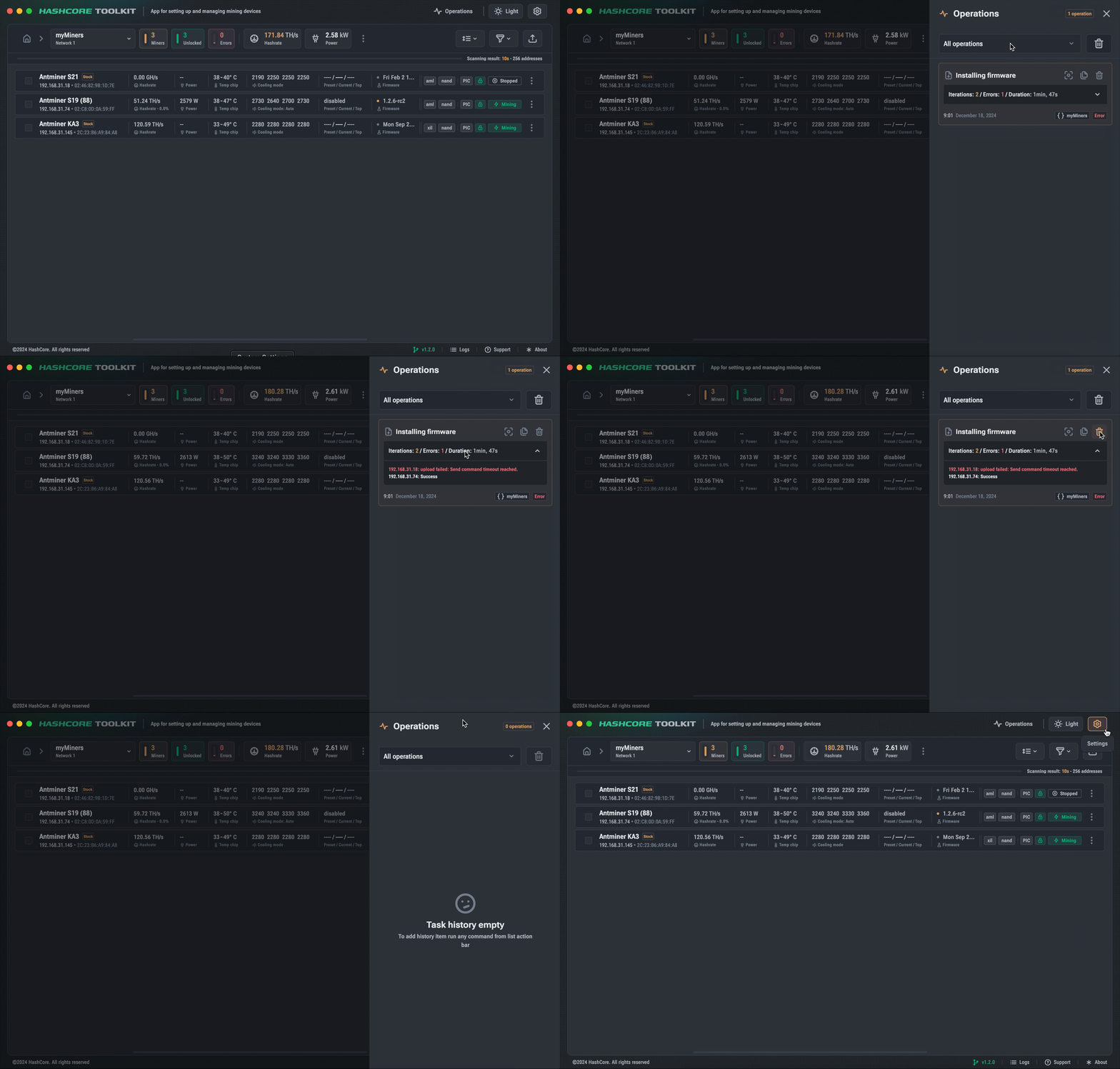
- In the «Operations» section, you can view the installation process. If any error occurs, the error explanation will be shown.